Showing posts with label photoshop. Show all posts

Thursday, June 27, 2013

Fireflies

I've been on a mission the last couple of nights to photograph the lightning bugs. Or fireflies... whichever you prefer. We've been noticing them on our walks in the evenings and they are present in large numbers.  Of course it also gets pretty dark out here so maybe we can just see them better.

I Googled "photographing fireflies" and turned up some pretty awesome results. See here and here. Now obviously I'm not this skilled but thought I'd give it a try anyways. So night #1 I set up my tripod and started messing with the settings. This is what I got:
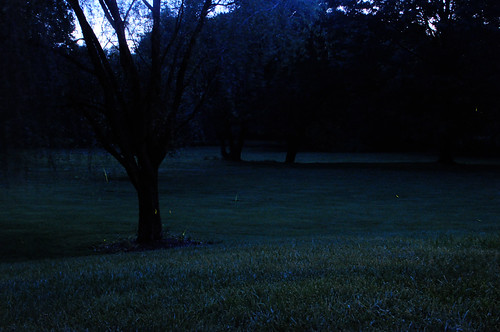
fireflies copy

Not terrible. But not really amazing either. Part of my issue was that most of the tutorials I read discussed merging multiple photos together. And I could not figure out how to do this effectively.

Night #2: I did more reading. Then went back outside and setup my tripod. I also adjusted my settings slightly. I've been shooting in manual mode, which alone is new for me. Based on what I read, my settings were adjusted to somewhere around  f/5.6, ISO 3200, 8 seconds. This was the result:
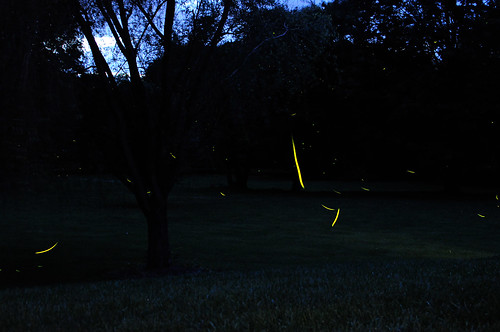
fireflies3 copy

Much better. I should note that this is actually 8 different photos overlapped together. And the biggest difference from night #1 is that I learned how to overlap the photos properly. (Thank you Google.) I believe the proper term in Photoshop is "lighten blend mode."

It's this option here:
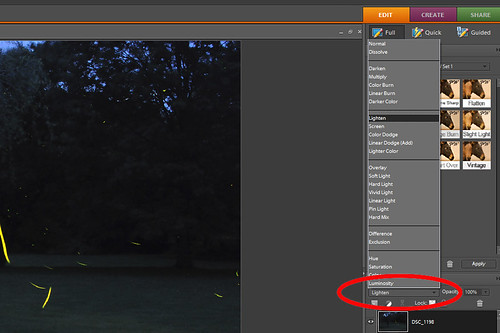
lighten blend

See I learned something tonight :)



Sunday, April 22, 2012

Moneyball

My brother has been playing baseball every since he was little. We like to tease him about how he used to practice his Power Ranger moves while playing the outfield during his tee ball years. I haven't actually watched him play in a long time, but I like to imagine that, at twenty-three, he still does this.
  (Hi, little brother! <waves enthusiastically>) Moving on...

Now that he plays in an adult softball league he asked me to try and dream up a logo for the team. I've never really designed a logo before, but thought I could give it a try. The team name is Moneyball. 
So here we have it.

baseball-logo

I was inspired by those images you see of a thrown baseball with a trail of flames. If you Google "baseball with fire" you'll see what I mean. I also downloaded a free baseball font to help me. You can download that here. Overlaying the 100-dollar bill onto the baseball was a bit more complicated. But it involved watching this very informative YouTube video a few times.

Still waiting for tshirts to be printed and really hoping they turn out okay.


Sunday, April 8, 2012

Friday, February 10, 2012

Magic

There are things I really should be doing right now. I woke up early on my day off and I don't have much 
to show for it. 

For the last hour or so I've been learning a new Photoshop skill. Via Bower Power I learned how to enhance the eyes of my photo subjects. I might actually be able to apply this to people one day. But not today. Today I enhanced Meatball.


Amazing, right?

This actually was not super difficult. Most of my hour was spent downloading the Photoshop Actions to actually do this, which I highly recommend.

So far Pioneer Woman has given me a lesson in turkey brining and free Photoshop Actions. I like her.


Monday, January 2, 2012

Merry Christmas to Me

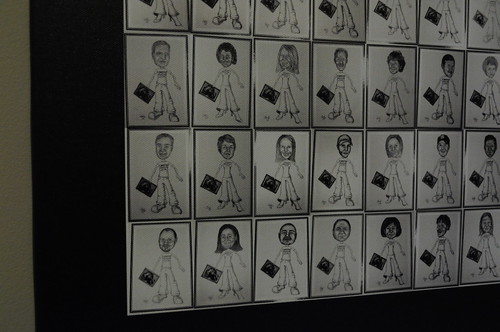
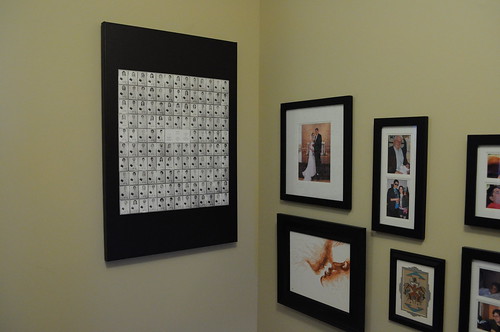
I finally got around to ordering my wedding collage canvas that I started back in November. Since I was ordering Christmas cards, it seemed like a good time to do a massive Shutterfly order.

Here it is. All 24x36 inches of it.


And a close up.

DSC_0212

And hanging on our photo wall.

DSC_0214

It's definitely large.

As for that Christmas card. Here's that. Although most people reading this have already seen it. Hi Mom :)


I'm certain people would rather see Meatball over Mike and I. And no, he is not actually wearing this hat. Lately I've been turning to Photoshop instead of props. Meatball would never sleep this peacefully with something on his head.


Wednesday, November 23, 2011

Thanksgiving Turkey

Poor Meatball. He never saw it coming. I've learned that sometimes it's more efficient to forgo the costume, and let Photoshop do all the work.

meatballthanksgiving copy

In real life Meatball would have never let me put tail feathers on him. Or a pilgrim's hat.

Of course, since I'm still slowing learning Photoshop (Elements) I had to seek some advice via the web on how to create a drop shadow. See here.

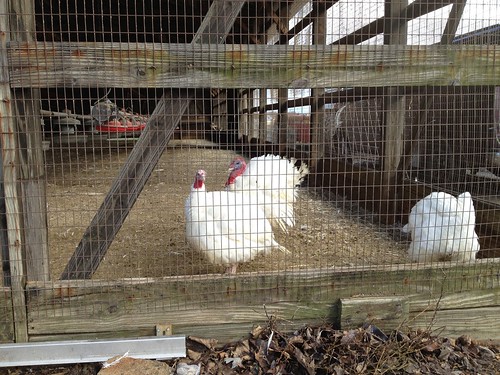
And now for some real turkeys.

Maple Lawn Farm


I picked up a turkey today from Maple Lawn Farm. If all goes well, I may put up some additional pictures later detailing the cooking process.

Happy Thanksgiving!

Friday, November 11, 2011

Party People

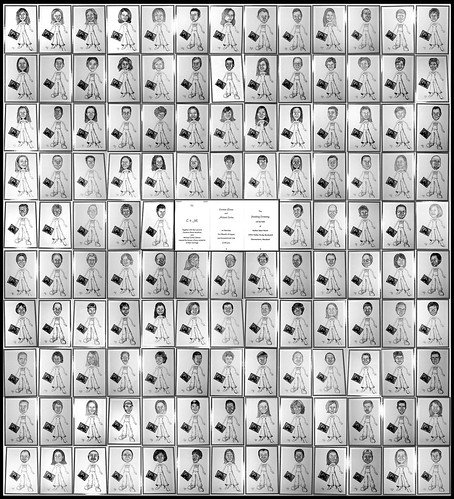
Back here I mentioned wanting to do something with all of the pictures I made for our wedding favors. 
So here it is.

weddingcollage30x40-2
Can you read me? No?

They look like a small army. Also looks like wrapping paper. But that's okay. I plan to print to canvas and hang. A LARGE canvas so that you can somewhat distinguish the people. And the words. By the way, those words are our wedding invitation.

I ended up with a perfect square. But I am certain that I lost some people along the way. My record-keeping skills are not quite what I thought they were.

Next up is a wedding album!


Friday, July 29, 2011

Miniature Polaroid Magnets

DSC_1356

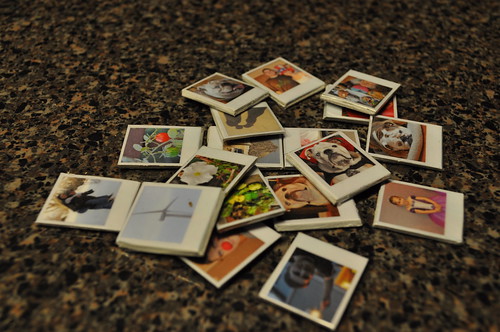
During last week's heatwave Meatball and I spent a lot of time in the basement to keep cool. Browsing through blogs, I stumbled up this Polaroid magnet idea from Ambrosia Girl and thought it was adorable! What a cute thing to pepper the fridge with! And so began this project.

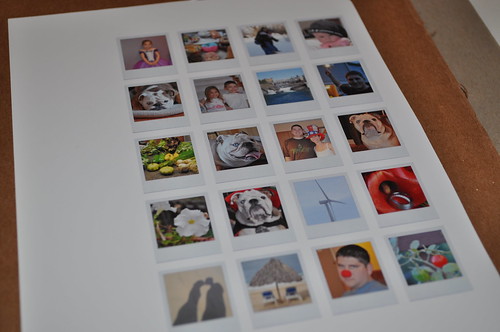
I graciously used the Polaroid template on the website and got started.

DSC_1336

The longest part of this project was probably selecting pictures to use. I also, for some reason, convinced myself I needed twenty of these little magnets. (A few didn't make it to the end.)

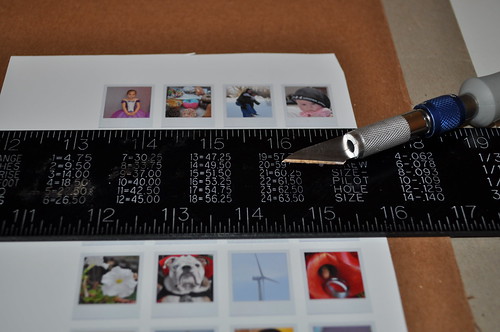
After printing out the pictures, I pretty much followed the instructions on the website verbatim. I even glued the pictures onto the back of old sketchpad, since I have plenty lying around. The other super tedious part was cutting out all the pictures with an X-Acto knife. It could have been that mine was just dull, but it took forever. And my edges weren't the best. It was at about this point that I regretted, for the second time, printing out 20 photos.


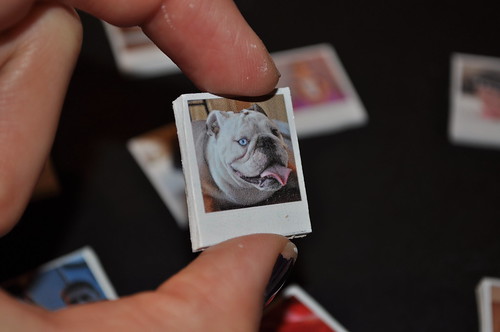
Finally starting to resemble the final product. The edges on the board were painted with a white paint pen:


And lastly, after the paint dried, I "laminated" with packaging tape. Here's the final bunch!


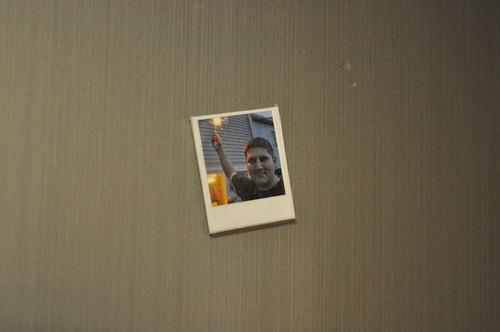
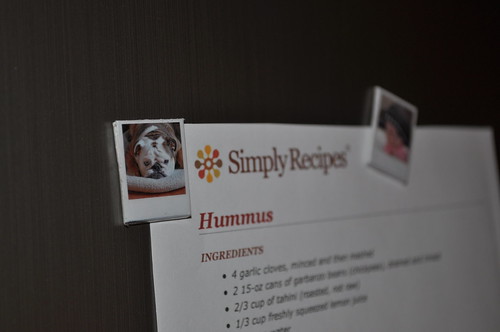
And here they are, doing their job on the fridge:

DSC_1342

Wednesday, May 25, 2011

Photoshop Fun

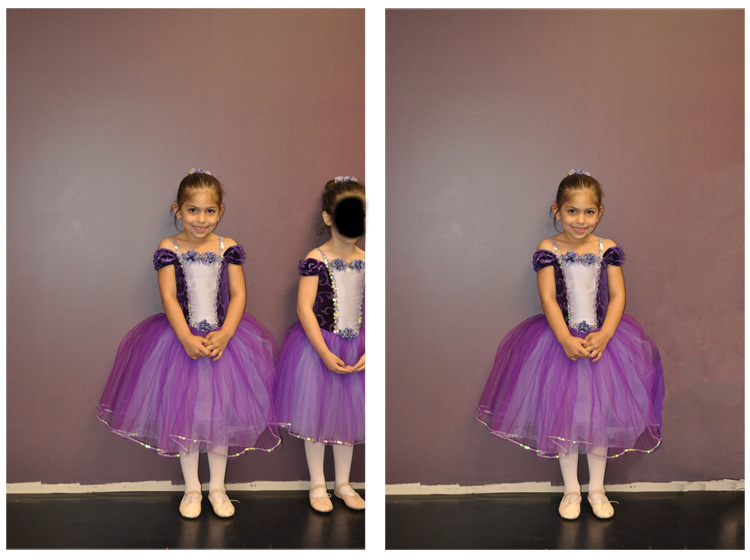
Although I use Photoshop quite a bit, I'm not very skilled at it. Luckily, there are some pretty informative tutorials out there. Like this one, that shows you how to delete people.... a handy skill!

I took my niece this weekend to get her ballerina pictures taken. Although I really liked the way this picture turned out, I didn't really like the other little girl that infiltrated the scene. So with some minor effort... ta-da! She's gone. The paint job is a little rough around the edges, but hey, it'll do. I'm learning...